

A website for your bar.
What is on the drinks menu? Are you open tonight? Can we request a table? Give your guests the answers on your own website.
Available features depend on your active modules and setup. Reservation requests do not collect payment and require confirmation by your team.
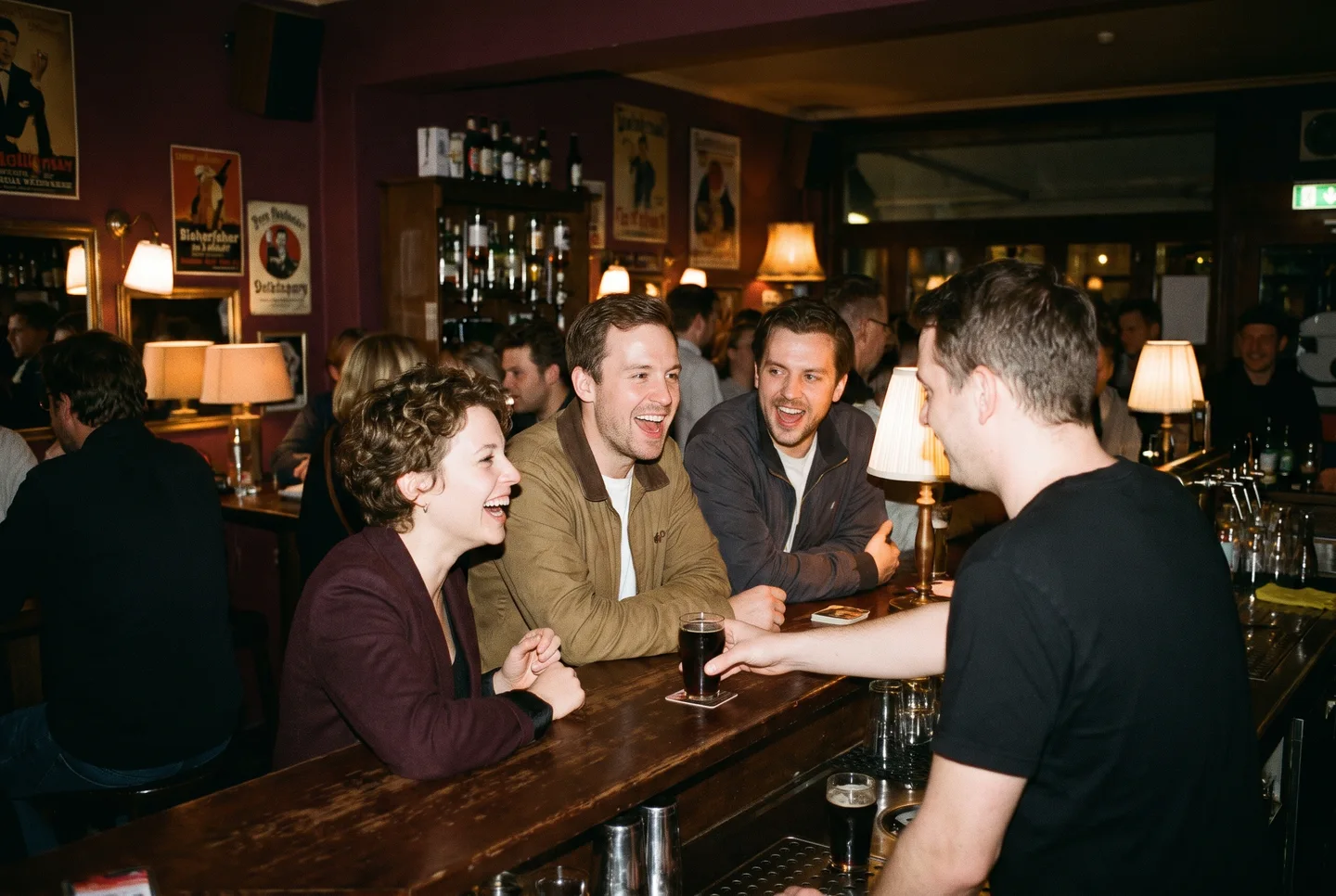
The evening starts with a look at your menu.
Guests may follow a link in your Instagram bio or look up your bar before visiting. Your website gives them the current menu, photos and address. If you have set up reservation areas, groups can send a request.
Your menu is already on their phone.
A new drink, a price change or an alcohol-free option: your team edits the individual item in the dashboard. Categories keep the menu easy to browse. Published items appear on your website, and the QR code continues to point to the same address.
- Edit names, descriptions and prices
- Keep unfinished items hidden
- Download a QR code for your published menu
A group asks. Your team decides.
Choose which areas guests can request and how many people each area holds. Set a fixed duration or reserve it until closing. A minimum spend is shown before the request; it applies to the entire reservation and is fulfilled at the venue.
- Date, area and party size in one request
- Confirm or decline in the reservation dashboard
- No online payment in the request form
A request for your team
Awaiting review- Area
- Lounge
- Party size
- 6
- Time
- 19:30
- Guest requests
- Team reviews
- Guest receives reply
A request is only confirmed after your team accepts it.
Help guests plan their first visit.
Keep opening hours, your address and contact details together. Add exceptions for holidays or private events. Write FAQs that answer questions about your own bar. Photos introduce the venue, and vacancies link to applications by email.
- Regular hours and exceptions for individual dates
- Your own FAQs with an optional English version
- Add a gallery and jobs when needed
Plan your visit
- Opening hours
- Friday · 6 pm to 1 am
- Getting here
- Address and directions
- Questions?
- Answers from your team
You decide which information appears on your website.
What you can manage on your website
Drinks menu
Update drinks and prices online. Guests can read the menu on their phone.
Tables and lounges
Guests choose an area, date and party size. Your team reviews each request and accepts or declines it.
Opening hours
Set regular hours and exceptions for holidays or private events.
Show your bar
Keep photos, your address, directions and job openings on the same website.
Events when you need them
Publish events and sell tickets through on:Tickets when needed.
Getting started
- Create an accountRegister and enter your business details.
- Set up your websiteActivate the website module and add your menu, hours, photos and contact details.
- Check before launchSet up your domain and reservation areas. Check content, required business information and the request process before promoting the website.
Frequently asked questions
Do I need to run events to use a bar website?
No. Start with your drinks menu, opening hours, gallery and contact details. Add events when you need them.
Does a table request guarantee a reservation?
No. Your team checks the date, area and party size, then accepts or declines each request. A place is only confirmed once the team has accepted. Guests receive an email update and can use their personal link to cancel a confirmed reservation before it starts.
Can I offer a lounge separately from the main room?
Yes. Create areas with their own capacity, maximum party size and duration. You can choose a fixed duration or the evening until closing. Any configured minimum spend applies to the whole reservation and is fulfilled at the venue. Your team reviews each request; the form does not collect payment.
How do I update the drinks menu?
Use the dashboard to organise drinks into categories and edit names, descriptions and prices. You choose which items are visible. Guests read the published menu in their phone’s browser.
Once the public menu is enabled, you can download a QR code to display in your venue. It links to the menu, so changing a price does not require a new code.
Can I sell gift vouchers?
Selling stored-value gift vouchers with partial redemption is not currently part of this website offering. Ticket discount codes are a separate feature.
Ready to set up your website?
Start with your business account. You can then add your menu, photos and other content.
Start setup