

A website for your restaurant.
Guests want to read the menu, check your hours and request a table before visiting. Give them a website that makes those details easy to find.
Available features depend on your active modules and setup. Reservation requests do not collect payment and require confirmation by your team.
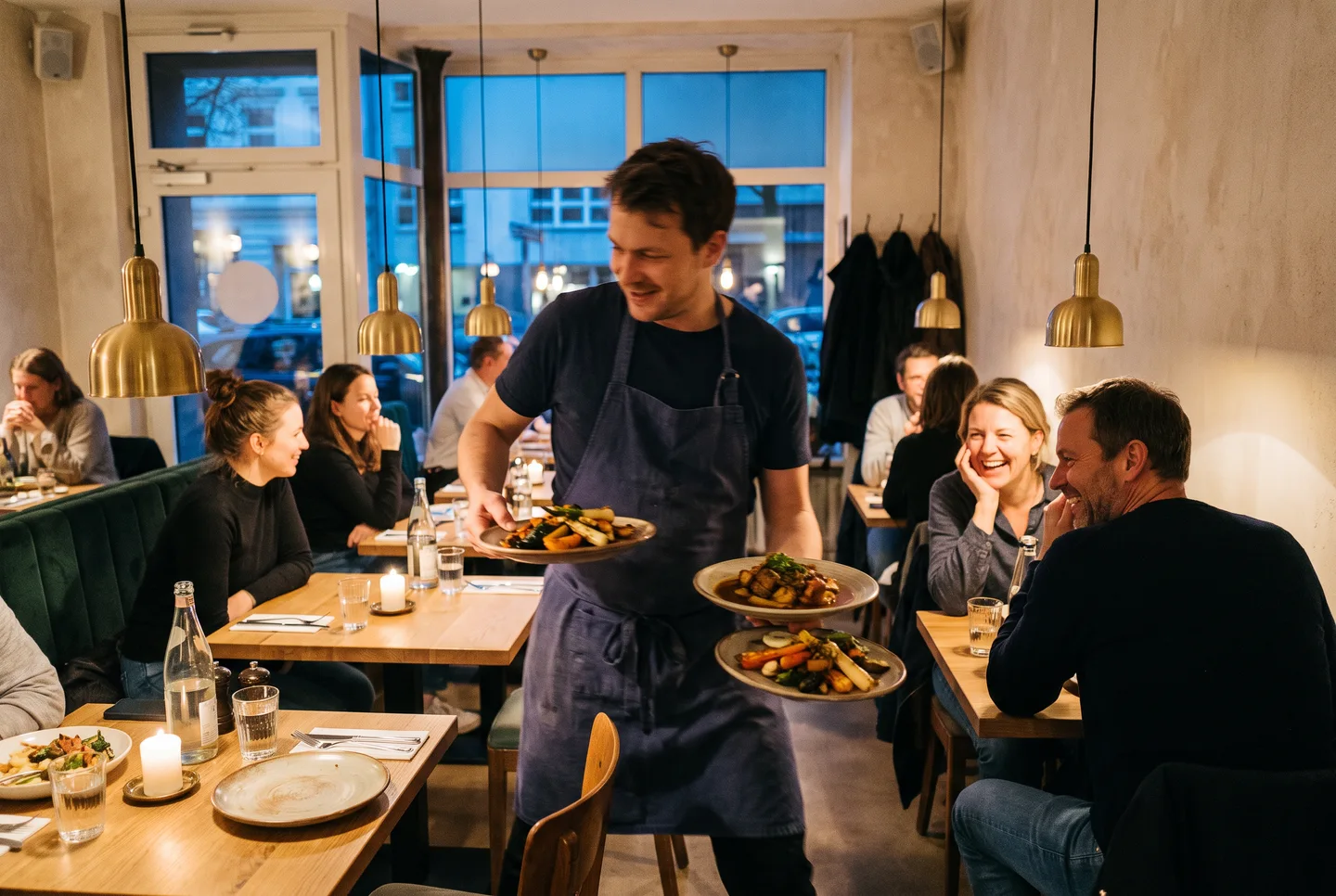
Before the visit, guests need a menu and a table.
Guests want to know what is on the menu and when you are open. Show food and drinks directly on your website. Table requests reach your team, who check capacity and send a confirmation or decline.
A digital menu guests can read.
Food, drinks and prices appear as text on the page. Guests can read the menu on their phone without downloading a file. Update categories and individual items for a seasonal menu. Edit allergen information on each item.
- Organise food and drinks into categories
- Edit descriptions, prices and allergens
- Share your published menu with a link or QR code
Table requests with the details you need.
Guests select a date, time, area and party size. You set capacity and duration. Your team checks each request and accepts or declines it. The system does not automatically assign a specific table.
- Areas with their own capacity and maximum party size
- Pending requests and a daily list in the dashboard
- A personal status link for guests
A request for your team
Awaiting review- Area
- Dining room
- Party size
- 6
- Time
- 19:30
- Guest requests
- Team reviews
- Guest receives reply
A request is only confirmed after your team accepts it.
Opening hours and directions where guests expect them.
Enter regular hours and exceptions for individual dates. Photos introduce your dining room. Your own FAQs can explain how guests request changes or where to find details about your food. Your team decides what to publish.
- Exceptions for holidays and closed days
- Address, phone and contact details on the website
- Publish kitchen and front-of-house vacancies
Plan your visit
- Opening hours
- Friday · 6 pm to 1 am
- Getting here
- Address and directions
- Questions?
- Answers from your team
You decide which information appears on your website.
What you can manage on your website
Digital menu
Organise food and drinks into categories and keep prices current. Guests read the menu in their browser.
Table requests
Guests choose a date, area and party size. Your team decides whether to confirm the request.
Hours and exceptions
Maintain regular hours and exceptions for holidays, closures or special openings.
Photos and directions
Show your dining room and kitchen in the gallery. Add your address and directions for first-time guests.
Build your team
Publish vacancies with a description and an email address for applications.
Getting started
- Create an accountRegister and enter your business details.
- Set up your websiteActivate the website module and add your menu, hours, photos and contact details.
- Check before launchSet up your domain and reservation areas. Check content, required business information and the request process before promoting the website.
Frequently asked questions
Can I update my menu myself?
Yes. Edit categories, dishes, drinks, descriptions and prices in the dashboard. You decide which entries are publicly visible. Guests read the published menu directly on your website, including on their phone.
You can add a seasonal menu or a new dish without replacing an entire PDF. Check the displayed prices and details before publishing.
Does it assign tables automatically?
No. Guests request a reservation in an area. Your team confirms it after checking capacity. A visual seating plan and automatic assignment of individual tables are not included.
Does it collect reservation deposits?
No. Table requests do not collect payment. The form asks for neither a deposit nor card details. Your team reviews each request before confirming it. Agree any further conditions with guests before the visit.
Can I add holidays or different opening hours?
Yes. Add exceptions for individual dates alongside your regular hours, including closed days. This covers cases such as different holiday hours or a private event.
Enter these details ahead of time and check them on the public page. When configuring reservations, also set which areas guests can request.
Does the website replace my till or ordering system?
No. It displays your content and accepts table requests. POS integration, kitchen tickets, delivery and online food ordering are not part of this offering. Use the website for published information and requests; existing till and ordering processes remain separate.
Ready to set up your website?
Start with your business account. You can then add your menu, photos and other content.
Start setup