










Bars
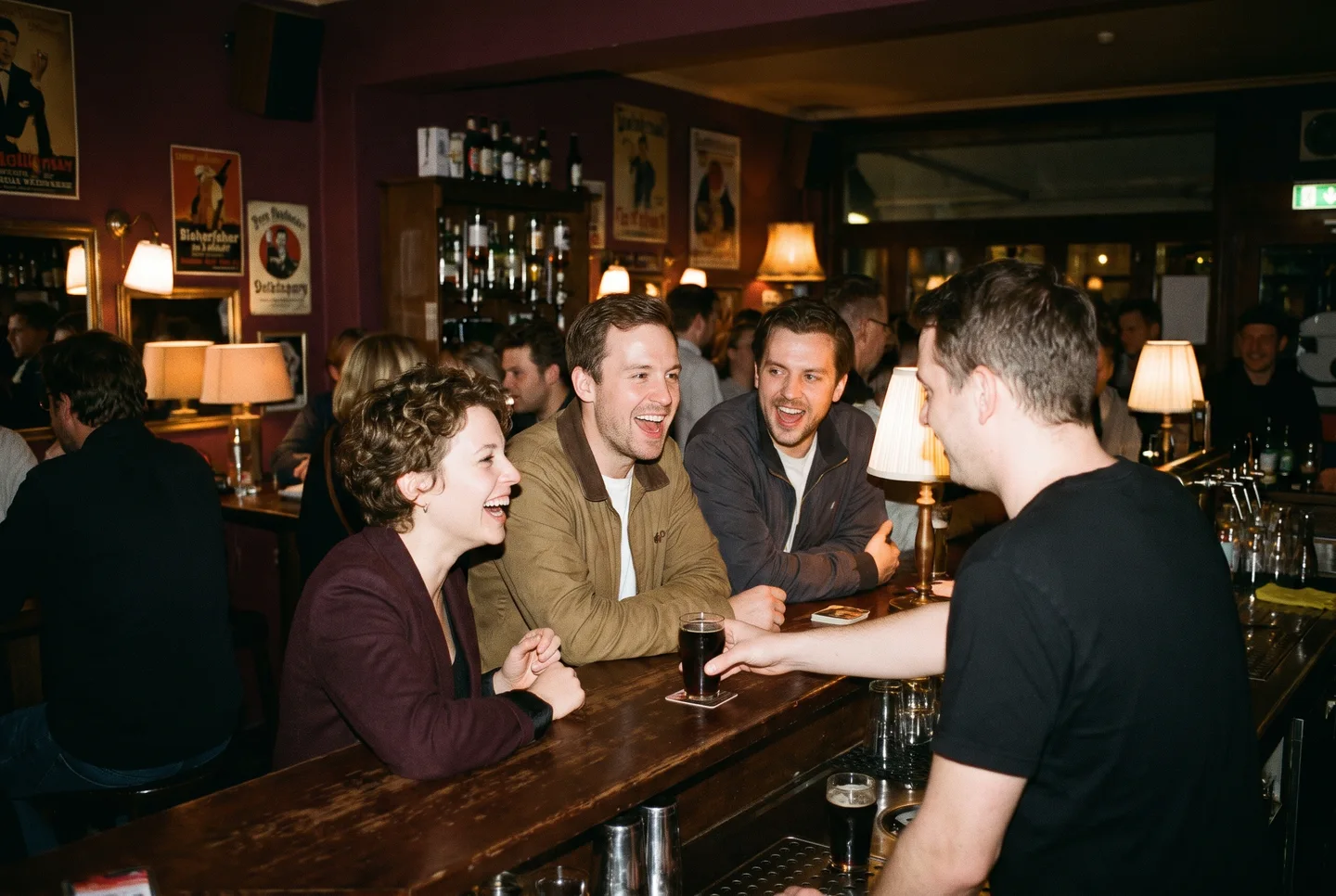
A drinks menu guests can read on their phone, opening hours and a direct way to request a table.
The Digital Venue · Live in Hamburg
Find your next night out in Hamburg. Browse events, get to know the DJs and venues, and buy tickets directly on the event page.

Featured events
Filtered by Groove
Reset filterArtists and DJs
VENUES
Plan your night
A poster catches your attention. Planning the night takes a few more details: the date, venue, line-up and a ticket ready at the door. You can find these on the relevant event page.
For the people who make the night happen
A new drinks menu, a busy night, a question about the lounge: the details change. With on:Tickets, you can maintain your website where you manage your events and tickets.
See features and pricingYou choose which parts of your website to publish. Our organiser page explains website packages and ticket fees, with prices and worked examples.
A drinks menu guests can read on their phone, opening hours and a direct way to request a table.

Bring the next line-up, ticket sales and lounge requests together for each night.
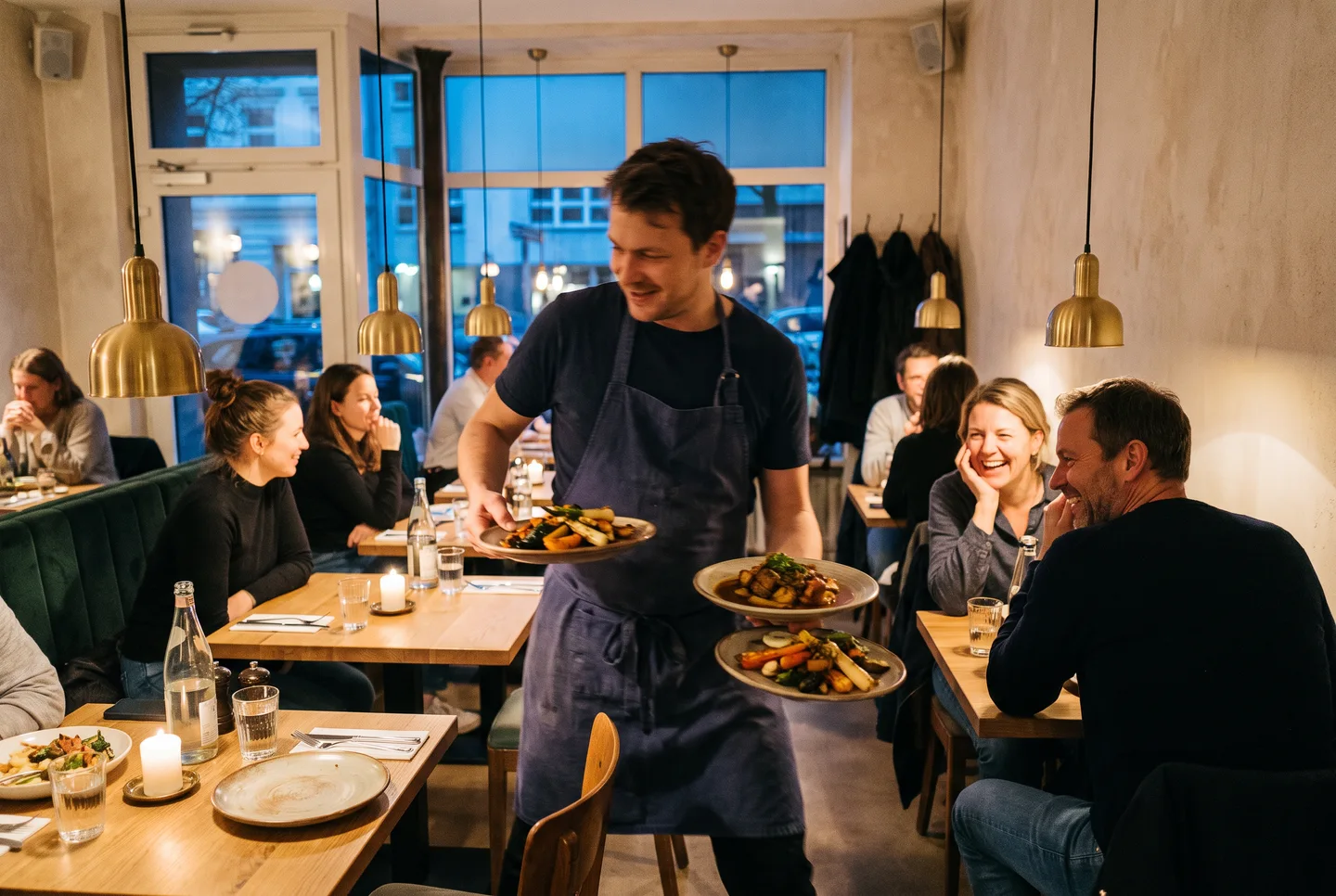
Help guests plan their first visit with your food menu, table requests and directions.
All upcoming events that organisers have published on on:Tickets. Open an event to see its date, venue, description and tickets, and use the genre filters to narrow the list.
If a filter finds nothing, reset it. The programme shows participating organisers, not every event in Hamburg.
Check the programme. Upcoming events are sorted by date, with the next ones at the top. So whatever is still on today comes first.
Events that have already started no longer appear in the list.
Open the event and choose a ticket type and quantity. The checkout shows the total before you pay. Check the date, ticket details and your email address before you buy.
After the purchase, your confirmation and ticket arrive by email. The available ticket types depend on the event and its current sales phase.
The checkout shows you the total before you pay. The organiser sets the ticket price. Depending on the event, the service fee is already included or added on top.
A “from” price refers to the tickets that are currently available. Other ticket types or sales phases may have a different price.
For the event and date shown on the ticket. If a party runs past midnight, the whole night counts as one event day.
For multi-day events, the organiser decides on which days a ticket is valid. Those days are then shown on your ticket.
It depends on the event. If tickets are no longer available online and there is a box office, the event page says so. It also shows whether you can pay in cash or by card.
If there is no such note, better buy your ticket online in advance.
The event page tells you when tickets run low. The ticket type then shows “Only X tickets left”. This only appears for ticket types with a fixed allocation. The organiser can hide it.
Once a ticket type is gone, it is marked as sold out.
First check your spam folder for the booking confirmation. If you have an account, your tickets are also under My Tickets.
If you still cannot find the booking, contact support. Give the email address used for the purchase and your order number, if you have it. Avoid buying a second ticket too soon.
Only if the organiser offers the hvv combi-ticket for that event. Your ticket then carries the hvv imprint next to the QR code. Without the imprint, no travel is included.
The combi-ticket is valid on the event day from 0:00 until 6:00 the next morning. It covers the trip there and back in rings A to F, in 2nd class.
Check the event page for start time, admission and venue. Age limits, dress codes and other rules differ between events.
The venue profile helps you find your way. If a question is still open, use the contact details of the organiser or venue.
No, it only becomes one when the team confirms it. The team checks your date, area and party size. You get the answer by email.
You pay nothing when you send the request. A table request does not replace an admission ticket. The event page tells you whether you also need one.
Your own website with food or drinks menus, opening hours, a gallery, directions and job listings. For table and lounge requests you set up areas and capacities. Your team decides which requests to accept.
Add events and ticket sales when you need them. Our industry pages show what helps bars, clubs and restaurants day to day.
Yes. Create an organiser profile, set up payments through Stripe and publish your event. Guests buy on the event page, and your team checks tickets at the door with the scanner app.
Your own website is a separate offering. The organiser page explains fees and website packages with worked examples.
Website, program and ticket sales for your events.
For organizers